The GoConnect mobile app will be retired on August 8, 2026. After this date, the app and its content will no longer be accessible to employees. Visit BungeConnect to learn more.
Access the real-time information that matters most to you. Anytime. Anywhere. Find Bunge news and announcements -- right in the palm of your hand and in your local language. For the first time ever, all employees have access to real-time Bunge news that matters.
Scroll down for detailed sign in instructions, a welcome video, FAQs, user guides and more!

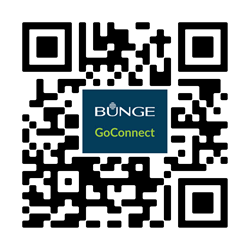
Scan the QR code or go directly to the Apple Store or Google Play Store.
After downloading GoConnect, follow the instructions below to sign in.
If you have a Bunge user ID
You can sign in immediately after downloading the app. Click here for step-by-step instructions.
1. Sign in with your Bunge user ID and password, just like you would for your work computer.
2. Opt into notifications and facial ID for the best experience.
If you do not have a Bunge user ID
You need to go through an enrollment process on another application called "MyAccess" before you can sign into GoConnect. You also need to have a working personal email address, as your user ID will be sent to that address. Click here for step-by-step instructions.
1. Ask your supervisor or HR partner for your enrollment letter that contains your own unique QR code. Do not share QR codes.
2. Point your smartphone camera at the QR code in your letter. This will take you to MyAccess. Follow the prompts.
3. Check the email account you provided during the enrollment process for an email from Bunge MyAccess with your user ID.
4. Sign into Bunge GoConnect with your new user ID and the password you selected.